OKX Trading Bot: Trade-Only API Setup and Strategies
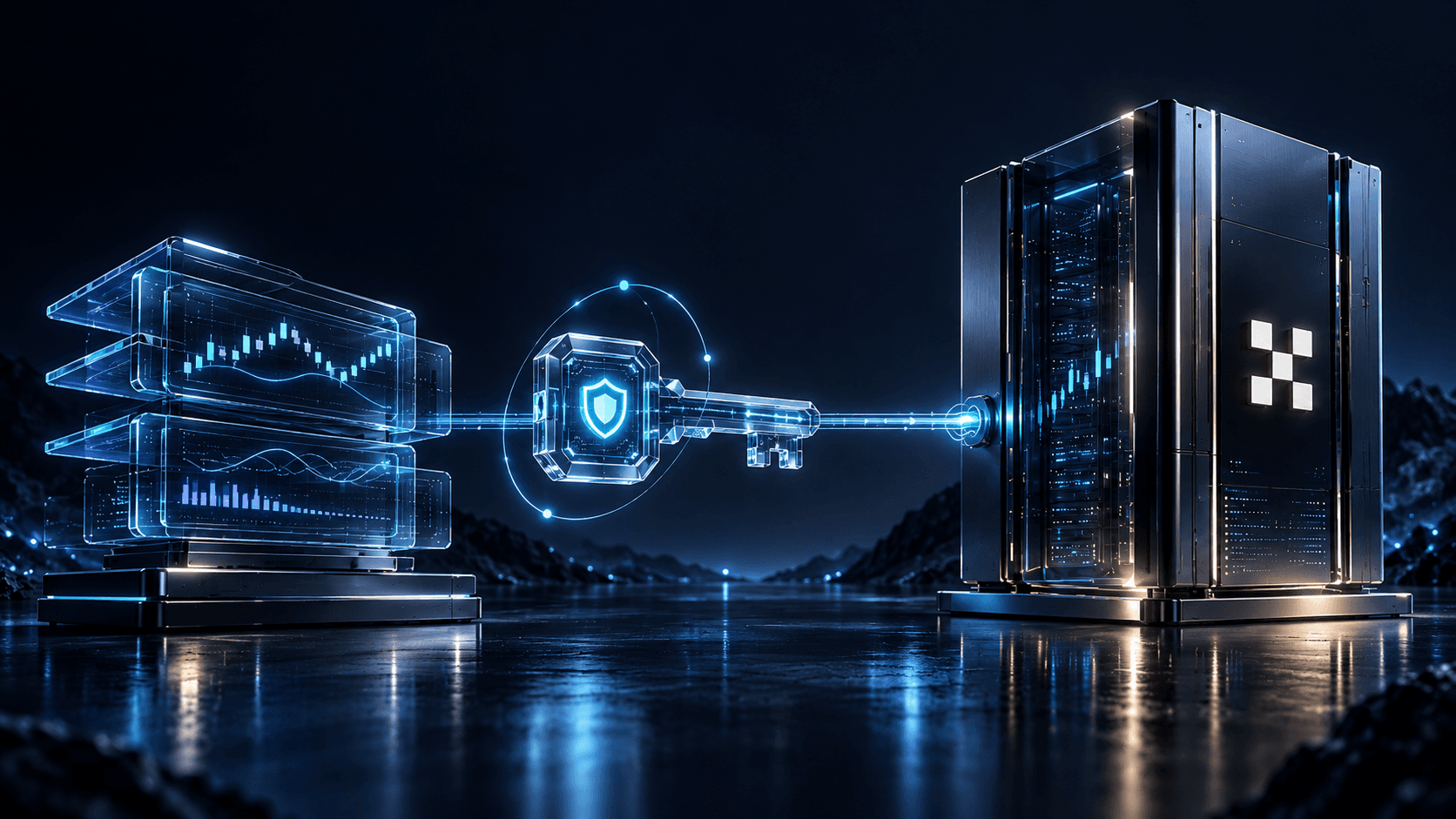
AlgoTitan connects to OKX in one click. You approve the connection on OKX's own page, OKX creates an API key with read and trade rights only, and a ready-made strategy starts trading OKX futures on your account. There is no key to copy, no secret to store, and no withdrawal right anywhere in the chain.
Your balance stays on OKX from start to finish. If you want to see a strategy work first, run it in paper mode for 14 days against live OKX prices with demo funds: no connection, no payment, no card. Paper results are simulated and may differ from live results due to fees, slippage and liquidity.
How does an OKX trading bot work?
An OKX trading bot is a program that sends orders to your OKX account through an API key and follows fixed rules instead of your clicks. What it can do is set by the key's permissions, and OKX enforces them. A key with read and trade permissions can open and close positions; it has no way to withdraw.
On OKX you will meet two models:
- You run the bot logic yourself. OKX offers its own bot tools, and you set the pair, range, order size and exit. The outcome follows your settings.
- You connect a strategy someone else built and tested. You pick it by risk tier, approve access once, and it trades by its own rules. This is how AlgoTitan works.
No bot, of either kind, makes profit certain. A bot follows its rules without fatigue; whether those rules earn anything is a question about the strategy and market conditions, not about the software. We cover this in do trading bots actually work.
One-click connection: what happens when you press Confirm
Most exchanges make you create a key by hand and paste it into the bot. OKX has a broker connection, called Fast Connect or Fast API, that removes that step for partners it has approved.
Here is the sequence:
- In the AlgoTitan mini app you choose Exchanges → OKX One Click → Connect OKX.
- You land on OKX, logged in to your own account, and see what AlgoTitan is asking for.
- You press Confirm. OKX generates the API key itself and hands it to AlgoTitan's servers.
- You return to Telegram, and the OKX status shows Connected / Active.
Three things are different from a hand-made key:
| Hand-made key | One-click (Fast API) key | |
|---|---|---|
| Who creates it | You | OKX, after your approval |
| Permissions | Whatever you tick | Read and trade only, set by OKX for broker connections |
| IP whitelist | You must paste it | OKX binds the key to AlgoTitan's server IPs automatically |
| Secret key on your screen | Yes, once | Never |
| Risk of copy errors | Yes | None |
Because the key only accepts requests from AlgoTitan's whitelisted servers, a copy of it would be useless anywhere else. The screen-by-screen version is in the OKX connection guide.
What the OKX connection allows
| Action | Allowed |
|---|---|
| View balances and positions | Yes |
| Open futures positions | Yes |
| Close positions and cancel orders | Yes |
| View trade history | Yes |
| Withdraw crypto to any address | No |
| Manage sub-accounts | No |
| Change security settings or log in as you | No |
OKX's broker documentation states it: a broker can create a key "with read-only and trade permissions". Withdrawal is not among them. Before you press Confirm, read the permission list on the OKX screen. If you ever see a withdrawal right requested by any app, on any exchange, stop there. For the background, read trade-only API keys explained and can a trading bot steal your crypto.
Before you connect: three things to set on OKX
1. An account mode that allows futures
OKX accounts run in one of several trading modes. In Spot mode, futures and perpetual contracts are not available, and any futures order is rejected. Open the Futures or Trade section on OKX and switch to a mode that includes contracts. OKX requires the first switch to be made on the website or in the app.
2. Your USDT in the Trading account
OKX keeps a Funding account and a Trading account. Deposits often arrive in Funding, and a strategy can only use what sits in Trading. Move the USDT across yourself inside OKX; one transfer is enough.
3. The right OKX platform
OKX runs regional platforms with separate accounts, for example for the European Economic Area and for Turkey. A key belongs to the platform that issued it. The one-click connection described here is for okx.com.
Strategies you can run on OKX
Every AlgoTitan strategy trades futures, not spot, and each sits in one of three risk tiers:
- Low: BTC Shield, Foundation
- Medium: BTC-ETH Vector, Catalyst
- High: Kinetic, Spectrum
Titan, added in October 2026, follows confirmed trends across altcoins.
Before you start any strategy, you can see which pairs it uses, which risk tier it belongs to and its largest historical drop from a peak, the maximum drawdown. That last number tells you how deep a losing stretch has been, so read it first; max drawdown explained shows how. Past performance does not guarantee future results.
New to futures? Spot vs futures explains what changes. In short, futures carry leverage, and OKX can liquidate a futures position, something that never happens to coins you simply hold.
Prefer to watch before you approve anything? Give a strategy 14 days of demo funds on live OKX prices. Trading involves risk of loss, including loss of principal. This is not investment advice. See the strategies
Why OKX deletes some API keys, and why this one is safe from it
OKX automatically deletes API keys that have trade or withdraw permission, have no IP addresses bound to them, and go 14 days without activity. It is a security rule, and it is the reason many hand-made keys stop working without warning.
A one-click key is bound to AlgoTitan's server IPs from the moment OKX creates it, so this rule does not apply to it.
When the connection fails
The status does not change to Connected
Refresh the mini app. If the status still has not changed, run Connect OKX again and confirm on the OKX page once more.
Connected, but no positions open
Check the account mode first: in Spot mode every futures order is refused. Then check the Trading account balance. A balance of zero there usually means the USDT is still in Funding.
Connected, but the strategy has been quiet for days
Strategies wait for their entry conditions instead of forcing trades, so a calm market can mean days without a position. Why is my trading bot not trading explains how to separate a calm market from a real fault.
OKX says the domain or region does not match
Your account is on a regional OKX platform rather than okx.com. Regional accounts and their keys do not work across platforms.
For every other message, see common connection errors.
How to disconnect
In OKX, open Profile → API, select the key created for AlgoTitan and delete it. AlgoTitan loses access at once. Nothing needs to be cancelled with us first, and any open position stays on your OKX account for you to manage.
FAQ
Can AlgoTitan withdraw money from my OKX account? No. OKX gives broker-created keys read and trade permissions only. There is no withdrawal right to use.
Do I have to create an OKX API key myself? No. With the one-click connection, OKX creates the key after you approve it, and you never see or copy a secret.
Is it safe to approve a third-party app on OKX? It is as safe as the permissions you approve. Check the list on the OKX screen: read and trade are what a trading strategy needs. Never approve withdrawal for any trading service.
Why did OKX delete my old API key? OKX removes keys with trade or withdraw permission that have no bound IP and go 14 days unused. Keys created through the one-click connection are IP-bound, so they are not affected.
Does AlgoTitan trade spot or futures on OKX? Futures. Your account needs a trading mode that allows contracts, and your USDT needs to be in the Trading account.
Do I need to send my funds anywhere? No. The only move is your own transfer from Funding to Trading inside OKX.
Will a bot make money on OKX? No bot or strategy can promise that, and a promise of guaranteed returns is a classic warning sign. See how to spot a crypto trading bot scam.
Watch first, connect later
The 14-day paper run needs no OKX connection and no payment, and it trades on live OKX prices. Our paper trading guide explains what it shows and where it falls short. Connect once you have seen a strategy through a calm stretch and a volatile one. Also trading on Bybit or Binance? Their key settings are in the Bybit trading bot guide and the Binance trading bot guide.
Paper results are simulated and may differ from live results due to fees, slippage and liquidity. Past performance does not guarantee future results. Trading involves risk of loss, including loss of principal. This is not investment advice.