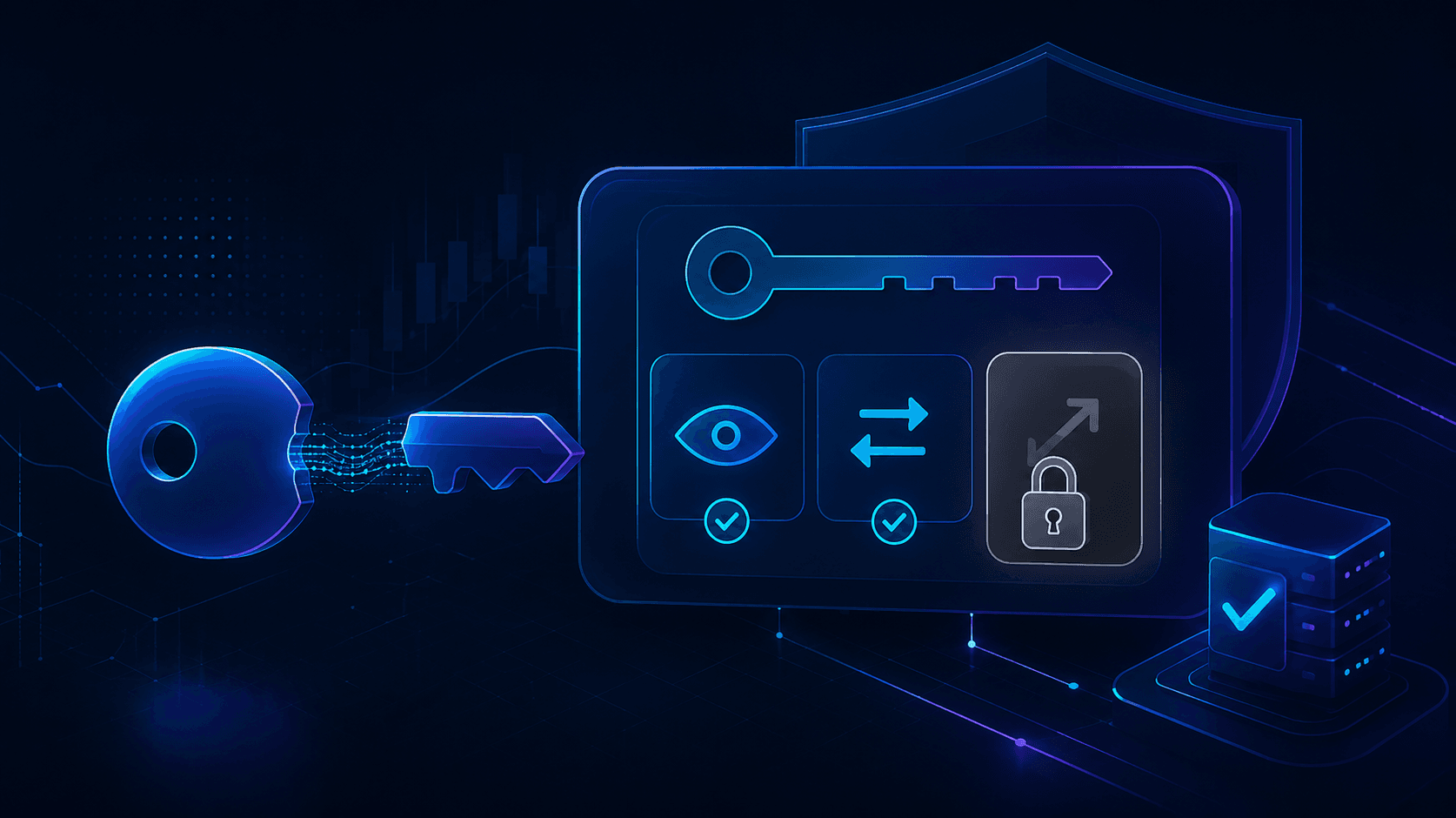
What is a trade-only API key?
A trade-only API key is an exchange access key with exactly two abilities: reading account data and placing or cancelling orders. Withdrawal permission is switched off, so no one holding the key can move funds out of the account. The exchange enforces this restriction on its own servers, not the app you connect.
That last sentence is the entire point, so it deserves a plain restatement: the protection does not depend on the honesty of the bot, the platform, or anyone else. It is enforced by Binance, Bybit, or whichever exchange holds your funds. A trade-only key presented with a withdrawal request gets rejected by the exchange itself, every time, automatically.
This is why trade-only keys are the single most important concept for anyone considering automated trading. Not the strategy, not the returns, not the reviews. The key type decides whether the worst-case scenario is "some losing trades" or "an empty account".
How API keys work on a crypto exchange
An API key is not your password and does not grant login access. It is a separate credential you generate inside your exchange account, made of two parts:
- API Key - a public identifier, like a username for machines
- Secret Key - the private half that signs requests, shown once at creation
When you create the pair, the exchange asks which permissions to attach. The standard set:
| Permission | What it allows | Trade-only key |
|---|---|---|
| Read | View balances, positions, trade history | On |
| Spot / Futures Trading | Place and cancel orders | On |
| Withdrawal | Move funds off the exchange | Off |
| Internal transfer | Move funds between sub-accounts | Off |
Every request the connected app sends carries the key's signature. The exchange checks the permission list before executing anything. A withdrawal request signed by a key without withdrawal permission is refused before it touches your balance. There is no override, no support ticket, no exception path. The app cannot "ask nicely".
Two properties follow from this design, and both work in your favor:
Permissions are set by you, not the app. The bot never chooses its own access level. You tick the boxes at creation, and the app receives exactly what you granted.
Access is revocable in seconds. Delete the key on the exchange and the connection dies instantly. You never need the app operator's cooperation to disconnect.
Why legitimate automation never needs withdrawal access
Think about what a trading strategy actually does: it watches prices, opens positions, closes positions. Every one of those actions is covered by Read plus Trade. There is no step in any trading logic, simple or sophisticated, that requires moving funds off the exchange.
So the rule is absolute: no trading product has a technical reason to request withdrawal permission. When one does, the request itself is the answer to whether you should use it. This makes the permission screen the fastest scam filter in crypto: it takes five seconds to read and cannot be faked, because the checkboxes are on the exchange's page, not the product's.
The reverse is also a trust signal worth noticing. A platform that tells you explicitly to keep withdrawal disabled, shows you which boxes to tick, and builds its connection flow so that withdrawal access would be useless to it, has aligned its architecture with your safety instead of asking you to trust its intentions. Algotitan is built exactly this way: the connection accepts a trade-only key, funds stay on your exchange, and withdrawal stays disabled by design, not by promise.
How to create a trade-only API key (general steps)
The exact clicks differ per exchange, but the shape is identical everywhere:
- Log in to your exchange and open API Management (usually under account or security settings)
- Choose Create API Key and give it a recognizable label, for example "algotitan-trade-only"
- Complete the security verification (2FA, email code)
- On the permission screen, enable Read and Spot and/or Futures Trading only. Leave Withdrawal and internal transfers unchecked
- If the exchange offers IP whitelisting, add the IP addresses the connecting platform publishes. The key will then refuse requests from any other location
- Copy the Secret Key immediately - most exchanges show it once and never again
- Paste the key pair into the platform you are connecting, and store nothing in plain text chats or notes
One habit worth adopting: one key per app, always. If you connect two tools, create two keys. When you stop using a tool, delete its key the same day. Old keys with forgotten permissions are the most common self-inflicted risk in this entire topic.
IP whitelisting: the second lock
IP whitelisting deserves its own section because it upgrades a trade-only key from safe to very hard to abuse.
Without whitelisting, a leaked trade-only key could still be used by an attacker to place trades on your account from anywhere. Bounded damage, but damage. With whitelisting, the key only works from the specific servers you approved. A stolen key becomes a string of useless characters: wrong location, request refused.
Not every exchange offers it for every account type, and some exchanges expire non-whitelisted keys automatically after 90 days as a forcing function. Where it is available, turn it on. It costs one extra minute at setup and removes almost the entire leaked-key scenario.
What a trade-only key does not protect you from
Trust means naming the limits, so here they are without softening:
- Trading losses. A trade-only key fully permits trading, which means it fully permits losing trades. Strategy risk is untouched by permission settings. Trading involves risk of loss, including loss of the funds you allocate, and no key configuration changes that.
- Fee accumulation. A badly built or malicious bot could overtrade and burn your balance through fees. Watching behavior before connecting is the defense, not the key.
- Bad strategy fit. A high-risk strategy on a nervous user is a problem no permission can solve.
- Phishing for your actual login. API keys do not protect your exchange password or 2FA. Standard account hygiene still applies.
This is exactly why the safe onboarding order puts the key last, not first: watch a strategy run in paper mode with demo money, judge its behavior over two weeks, and only then create a key and go live. The trade-only key removes the theft scenario; the paper trial before it addresses everything the key cannot. Paper results are simulated and may differ from live results due to fees, slippage, and liquidity, and past performance does not guarantee future results - but behavior observed on live market data is still the strongest evidence available before real funds are involved.
The checklist version
Before connecting anything to your exchange, confirm all five:
- Read: on. Trade: on. Withdrawal: off. Transfers: off
- IP whitelisting enabled, if the exchange supports it
- One dedicated key for this one app, clearly labeled
- Secret key stored nowhere public, sent to no one in chat
- You know where the delete button is, and that pressing it cuts access instantly
Five items, two minutes, and the difference between bounded risk and unbounded risk.
FAQ
Can a trade-only API key withdraw my crypto? No. Withdrawal requests signed by a key without withdrawal permission are rejected by the exchange's own servers. This holds regardless of what the connected app attempts.
Is it safe to give a trading bot a trade-only API key? It removes the theft scenario, which is the catastrophic one. Trading risk remains: the bot can open losing positions within your balance. Evaluate strategy behavior in a demo mode first, then connect.
What permissions should a trading bot API key have? Read and trading only. No legitimate trading product needs withdrawal or transfer permissions, and any request for them is a reason to walk away.
What if my trade-only API key gets leaked? Delete it on your exchange immediately; access ends the moment the key is removed. With IP whitelisting enabled, a leaked key is unusable from the attacker's location even before you revoke it.
Do trade-only API keys expire? Some exchanges auto-expire keys without IP whitelisting after a set period, often 90 days. Whitelisted keys typically persist until you delete them. Check your exchange's API policy.