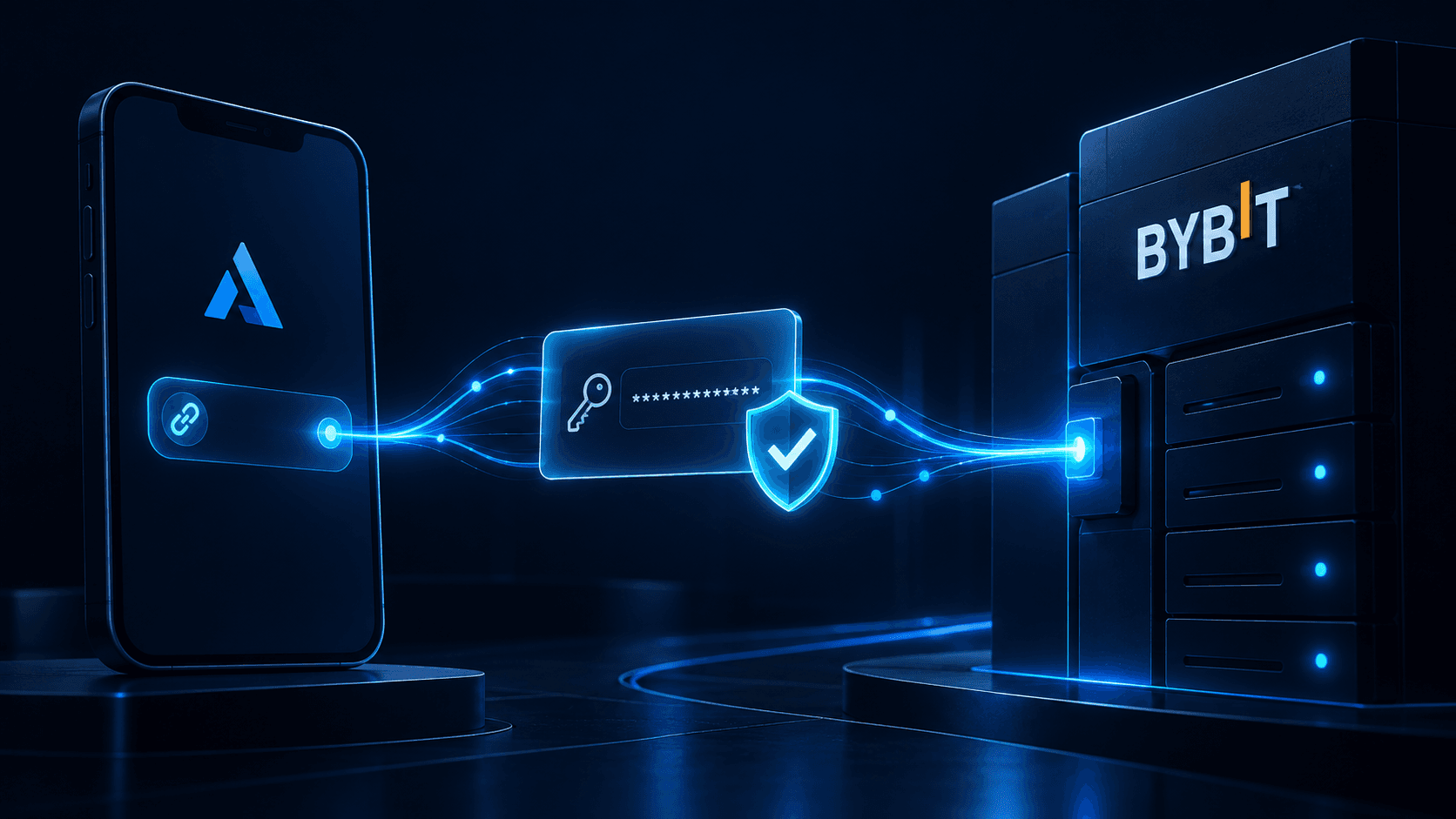
Bybit Trading Bot
Run a pre-built strategy on your own Bybit account. AlgoTitan connects through a trade-only API key: it can place and cancel orders, and it cannot move your funds anywhere.
Your assets stay in your Bybit account the entire time. Withdrawal permission is never requested and never granted.
Before connecting anything, you can watch a strategy trade on live Bybit market data for 14 days in paper mode, using demo funds. No API key, no payment, no card. Paper results are simulated and may differ from live results due to fees, slippage, and liquidity.
Supported pairs on Bybit
Strategies trade four pairs on Bybit:
- BTC/USDT
- ETH/USDT
- SOL/USDT
- PEPE/USDT
Not every strategy uses all four. Some hold a single pair, others rotate across several. Each strategy lists the pairs it trades
Each strategy trades a defined set of pairs. Strategies differ by risk level and by how concentrated that set is: some hold a single asset, others rotate across a broader basket.
Every strategy shows its own maximum drawdown and risk tier before you start it. Trading involves risk of loss, including loss of principal. This is not investment advice.
What the connection can and cannot do
| Action | Permitted |
|---|---|
| Read your balances | Yes |
| Place orders | Yes |
| Cancel orders | Yes |
| Read your trade history | Yes |
| Withdraw to an external address | No |
| Transfer between your Bybit accounts | No |
| Transfer to a sub-account | No |
| Change your account settings | No |
| Access your login credentials | No |
The restriction is enforced by Bybit, not by us. A key created without withdrawal permission cannot withdraw, regardless of what any software instructs it to do. You can inspect and revoke the key from your Bybit account at any time.
The exact permissions to enable
Bybit's permission screen differs depending on which account type you hold. Check this first, because selecting the wrong group is the most common reason a connection fails at setup.
If you have a Unified Trading Account (UTA)
| Section | Setting |
|---|---|
| API Key Usage | API Transaction |
| API Key Permissions | Read-Write |
| Unified Trading | Trade ✓ |
| Assets | Off |
| Withdrawal | Off |
| Account Transfer | Off |
| Subaccount Transfer | Off |
| Earn | Off |
| NFT | Off |
| Exchange History | Off |
| Fiat Trading | Off |
If you have a Classic or Standard account
| Section | Setting |
|---|---|
| API Key Usage | API Transaction |
| API Key Permissions | Read-Write |
| Spot | Trade ✓ |
| Contract | Orders ✓ · Positions ✓ |
| USDC Contracts | Off |
| Block Trade | Off |
| Assets, Wallet | Off |
| Withdrawal | Off |
Read-Write is required, and it does not mean what it sounds like. In Bybit's terminology, Read-Only permits reading data only, so a Read-Only key cannot place an order. Read-Write permits reading and order placement. Neither permits withdrawal. Withdrawal is a separate toggle, and it stays off.
Leave every box marked Off actually off. Granting more than the strategy needs adds risk without adding capability.
Connection walkthrough
Before you start: Google Authenticator 2FA must be enabled on your Bybit account. Bybit will not create an API key without it.
1. Open API Management
Log in to Bybit. Click your profile icon in the top-right corner, then select API. Alternatively: Account & Security → API Management.
2. Create a new key
Click Create New Key. A dialog appears asking you to select a key type. Choose System-generated API Keys.
Bybit also offers a self-generated RSA option. It works, but it requires you to produce your own key pair. System-generated is the standard path.
3. Select API Transaction
Under API Key Usage, select API Transaction.
You will also see an option called Connect to Third-Party Applications, which opens a dropdown of pre-integrated platforms. AlgoTitan is not in that dropdown. Use API Transaction.
4. Name the key
Give it something you will recognise in six months. "AlgoTitan" works. If you ever need to revoke access, this name is how you will find the right key.
5. Set permissions
Under API Key Permissions, select Read-Write.
Then set the individual toggles exactly as listed in the tables above, matching your account type. Confirm before submitting that Withdrawal is unchecked. It should never be enabled for a trading connection, to us or to anyone else.
6. Set the IP restriction
Do not select "No IP restriction."
Select Only IPs with permissions granted are allowed to access the OpenAPI and enter the from your TG mini app.
In the AlgoTitan mini app, click Copy IP addresses for whitelist and paste them into this field.
The reason is in the next section, and it is the single most common cause of a bot connection dying weeks after it was set up correctly.
7. Submit and verify
Click Submit and complete 2FA verification.
Bybit shows your API Key and Secret Key. The secret is displayed once and never again. Copy both immediately.
8. Connect in AlgoTitan
Open the AlgoTitan mini app, go to the exchange connection screen, select Bybit, paste both values, and press Save.
The connection is verified immediately. If it fails, the section below covers why.
Watch a strategy run on live Bybit market data for 14 days before connecting anything. Paper trading uses demo funds. Trading involves risk of loss, including loss of principal. This is not investment advice. See the strategies
What breaks, and why
Six failure modes, in rough order of how often they occur.
Your key expires after 90 days
This is the one that catches almost everyone.
A Bybit API key created without an IP whitelist expires automatically after roughly three months. Bybit does this deliberately as a security measure.
The failure is quiet. Your strategy runs normally for weeks, then simply stops placing orders. Nothing is broken on your side, your subscription is active, and there is no obvious error until you look.
A key created with an IP whitelist does not expire on this schedule. That is why step 6 says to whitelist rather than skip it.
If your strategy stops placing orders and everything else looks fine, check the key's status in Bybit's API Management screen first.
Your funds are in the Funding account, not the trading account
Bybit separates your Funding account from your Unified Trading Account. Deposits often land in Funding by default.
A trade-only API key can see and trade the trading account. It cannot move money between your own Bybit accounts, because Account Transfer permission is off, and turning it on would be the wrong fix.
The symptom: the connection succeeds, the balance reads as zero or lower than expected, and no orders are placed.
The fix: transfer funds from Funding to your Unified Trading Account inside Bybit, manually. This takes a few seconds and only needs doing once.
You selected the wrong account type's permissions
Enabling Spot → Trade on a Unified Trading Account, or Unified Trading on a Classic account, produces a key that authenticates successfully but cannot place orders.
The symptom is a connection that appears to work and a strategy that never trades.
Check which account type you hold in Bybit before creating the key, then use the matching table above.
You are on Bybit EU rather than Bybit.com
These are separate platforms with separate accounts. API keys are not interchangeable between them. A key created on one will not authenticate on the other.
AlgoTitan supports Bybit.com only. Create your key there.
You copied the key with whitespace
Copying from Bybit's interface sometimes captures a trailing space. The key then fails authentication with no useful error message.
Paste into a plain text field first if a connection fails for no apparent reason.
You regenerated or edited the key
Editing a key's permissions in Bybit can invalidate the existing secret. If you change permissions after connecting, reconnect in AlgoTitan with the updated credentials.
How to revoke access
At any time, from your Bybit account: Profile → API → API Management, find the key by the name you gave it, and delete it.
Access ends immediately. You do not need to contact us, and you do not need to cancel anything first. Any open positions remain yours, exactly as they are, in your Bybit account.
Frequently asked questions
Can AlgoTitan withdraw funds from my Bybit account? No. The API key is created without withdrawal permission, and the restriction is enforced by Bybit. A key without that permission cannot withdraw regardless of what any software requests.
Why does it need Read-Write instead of Read-Only? In Bybit's terminology, Read-Only permits reading data but not placing orders, so a strategy could not execute. Read-Write permits reading and order placement. Withdrawal is a separate permission and remains off.
Do I need to move my funds anywhere? Yes, into your Unified Trading Account if they are currently in your Funding account. Funds stay within your own Bybit account throughout.
Why did my strategy stop trading after a few weeks? Most likely the API key expired. Bybit expires keys created without an IP whitelist after roughly three months. Creating the key with a whitelist prevents this.
Can I use the same key for other services? Technically yes, but it is worth not doing. A separate key per service means you can revoke one without disrupting the others.
Does this work with a Bybit sub-account? No. Connect a key created on your main Bybit account. Sub-account keys are not supported.
Which is required, spot or futures? Futures. Strategies execute on Bybit's derivatives market.
Before you connect
Nothing above is necessary to see how a strategy behaves. A 14-day paper run on live Bybit market data requires no API key and no payment.
Connecting an exchange is the step to take once you have watched a strategy through both a quiet stretch and an active one, and know how it behaves.
Paper results are simulated and may differ from live results due to fees, slippage, and liquidity. Past performance does not guarantee future results. Trading involves risk of loss, including loss of principal. This is not investment advice.